
Opera
Opera is a free web browser for Windows from Opera Software. The stable release is 136.0.6008.22, published on 17 September 2026.
133.1 MB

Chromium is the free, open-source web browser project from The Chromium Developers. This page covers its builds for Windows.
Average 0.0 · ratings: 0
Thank you! Your rating is saved; you can change it. Could not save the rating. Please try again later. Too many ratings from your network today. Please try again tomorrow. The average appears after 5 ratings.
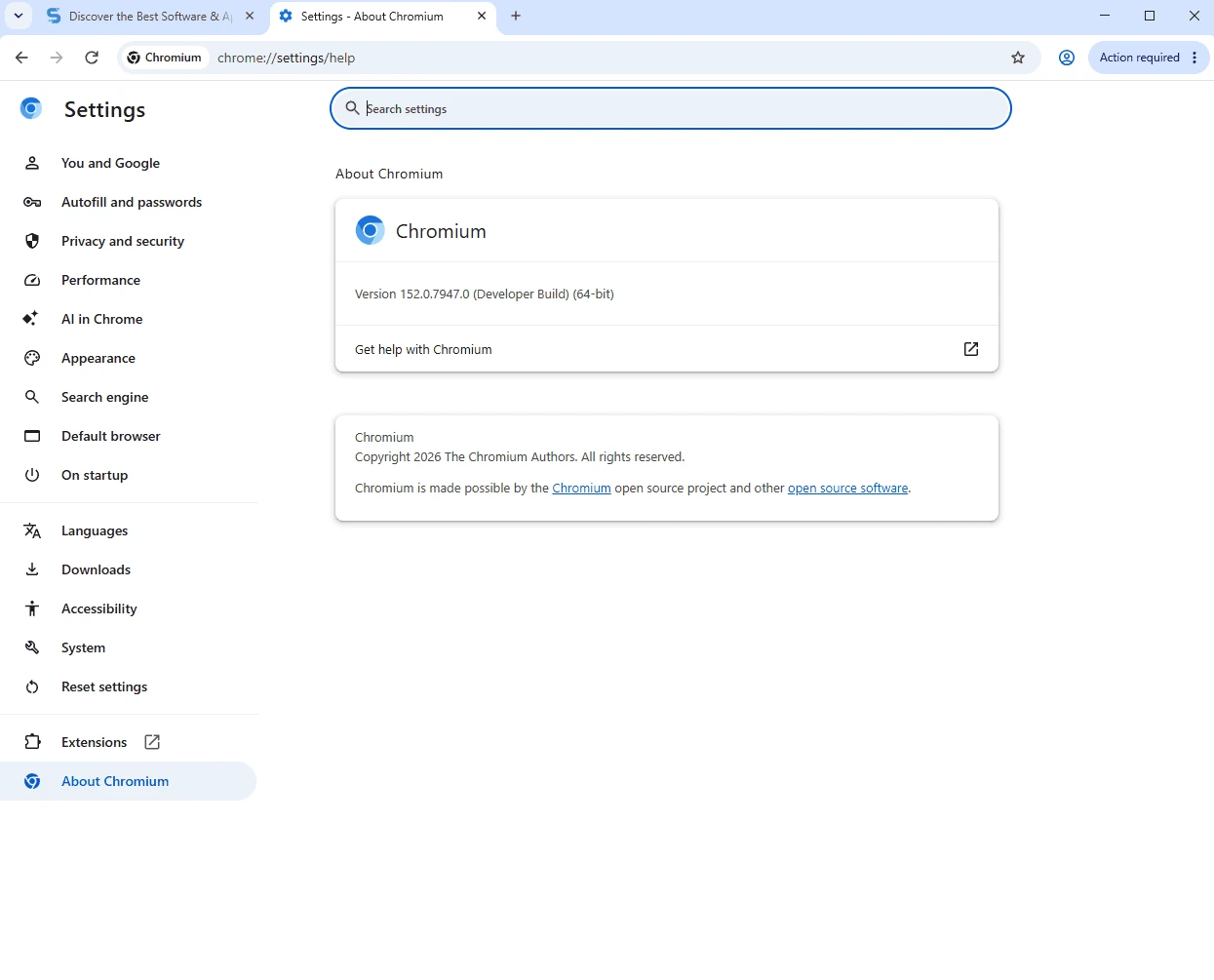
Chromium for Windows is a build of the free, open-source web browser project maintained by The Chromium Developers. It is available from chromium.org; the spec sheet below explains what Chromium is, how it differs from a regular browser install and what to keep in mind before using it every day.
| Parameter | Value |
|---|---|
| Program | Chromium |
| Developer | The Chromium Developers |
| First release | 3 September 2008 |
| Licence | Free and open source (BSD, MIT, LGPL and other licences) |
| Written in | C++, C, JavaScript, Python and more |
| Platforms | Windows, Linux, BSD, Android |
| Download size | about 166.17 MB according to catalogue data |
Chromium is the open-source project behind a whole family of browsers. It started in 2008, originally building on WebKit, and its code is public for anyone to read, modify and reuse. Many popular browsers take Chromium as their base and add their own services, branding and update systems on top. Using Chromium directly gives you the engine and interface without those extras: no built-in account sync from a vendor, no bundled services and a very plain look. Developers use it to test websites on the newest engine code, privacy-minded users like the clean base, and some people simply prefer an unbranded browser. Raw Chromium builds follow the development branch closely. That brings new features early, but also the risk of rough edges.
Unofficial Chromium packages from random sites can be modified, so stick to the sources listed by the project. Because development builds change quickly, update often to receive security fixes. For banking or work, a stable browser with automatic updates is the safer choice.
Chromium makes the most sense for web developers who want to see upcoming engine changes, for testers who compare browsers side by side, and for experienced users who enjoy a minimal, unbranded browser and do not mind handling updates themselves. If you just want a fast browser that looks after itself, one of the branded browsers built on the same code is the easier path, and it will keep security patches flowing without any effort on your part.
Browsers in our listings that build on similar foundations with automatic updates include Google Chrome, Microsoft Edge, Brave Browser and Thorium Browser. The project's code is at chromium.googlesource.com, and change logs show what moved between builds.
Opera is a free web browser for Windows from Opera Software. The stable release is 136.0.6008.22, published on 17 September 2026.

UC Browser for Windows is the desktop version of the web browser from UCWeb, a Chinese mobile internet company.

Google Translate is Google's multilingual machine translation service, used on Windows through the website and a browser extension.

Microsoft Edge is Microsoft's web browser, preinstalled on current Windows versions and available as a free download for reinstalling or updating.

Mozilla Firefox is a free and open-source web browser developed by Mozilla, available for Windows, macOS, Linux, Android and iOS.

Google Chrome is the free web browser from Google. The stable Windows release is 154.0.8037.58, out since 22 September 2026.

Cent Browser is a free Chromium-based browser for Windows from Cent Studio that adds mouse gestures, tab tweaks and other power-user options.